
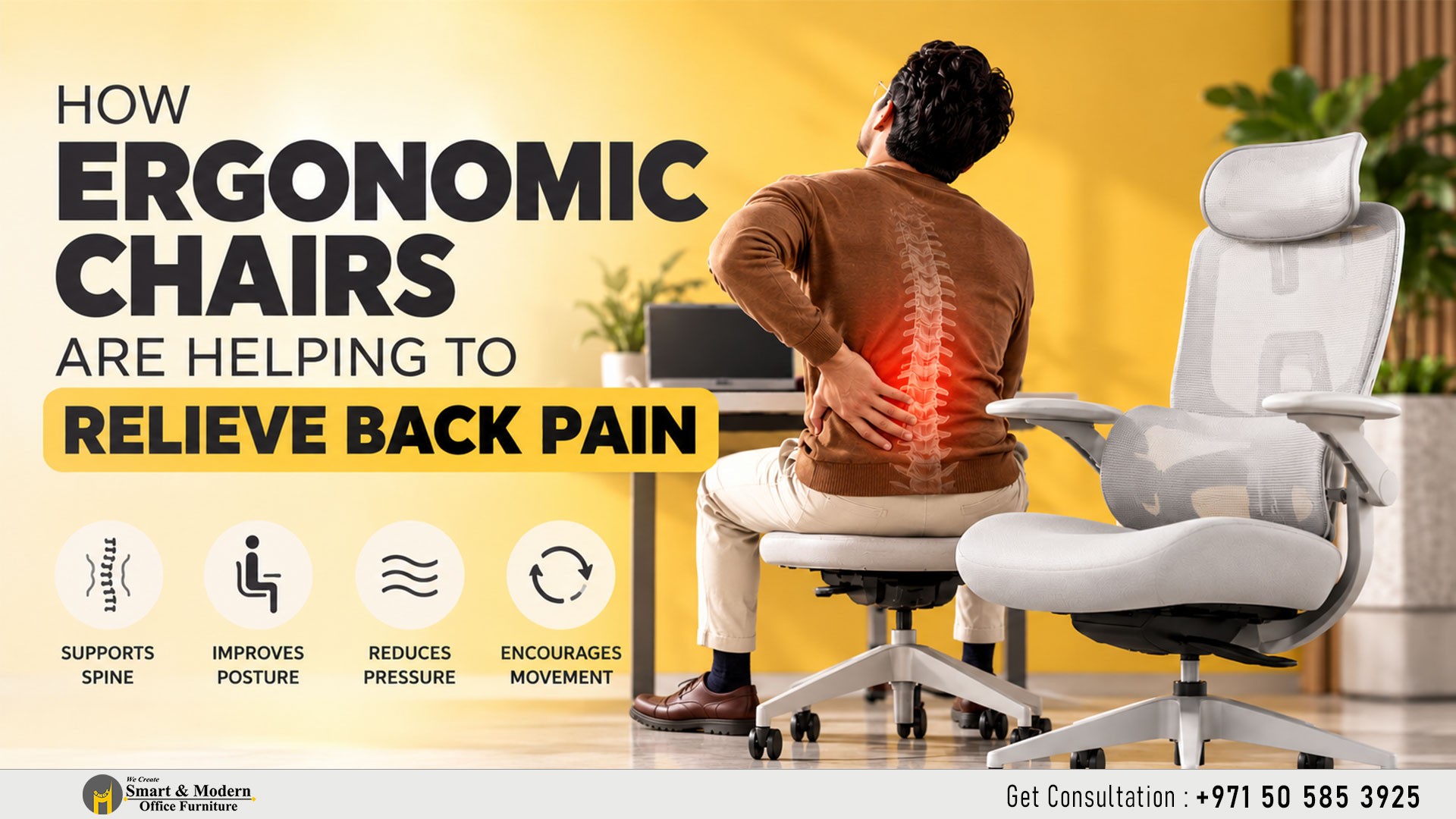
How Ergonomic Office Chairs Help Relieve Back Pain: A Complete Guide
-
By Smart Modern
- Posted on
- 0 comments
Sitting for long hours at a desk can put extra pressure on your back, especially when your chair does not provide the right support. For office employees, remote workers and professionals who spend most of their day at a computer, choosing the right seating can make a meaningful difference to everyday comfort.
Ergonomic office chairs are designed to support the body’s natural posture, encourage better sitting habits and help reduce unnecessary strain during long working hours. While a chair cannot cure every cause of back pain, the right ergonomic features can help create a more comfortable and supportive working environment.
1. Supporting the Natural Curve of the Spine
The lower back has a natural inward curve that can become difficult to maintain when sitting for extended periods. A poorly designed chair may encourage slouching, placing additional strain on the muscles and structures around the spine.
An ergonomic office chair with adjustable lumbar support helps support this natural curve. By allowing users to position the support according to their body shape, it can make maintaining a comfortable, upright posture easier throughout the workday.
2. Reducing Pressure on the Lower Back
Sitting in an unsuitable chair for hours may cause discomfort in the lower back, particularly when the seat is too deep, too high or poorly cushioned.
A well-designed ergonomic chair helps distribute body weight more evenly and supports a comfortable sitting position. Features such as adjustable seat height, appropriate seat depth and supportive cushioning help users find a position that suits their body.
The goal is not to keep the body rigid, but to reduce unnecessary pressure while allowing comfortable movement.
3. Encouraging Better Sitting Posture
Poor sitting habits, including leaning forward towards a screen or rounding the shoulders, can contribute to discomfort during long work sessions.
Ergonomic chairs often include adjustable backrests, lumbar support and armrests to help users maintain a more balanced position. When adjusted correctly, these features can help reduce the tendency to slouch and make it easier to sit comfortably while working.
However, even the best chair cannot compensate for a poorly arranged workstation. The monitor, desk and keyboard should also be positioned to support a natural posture.
4. Providing Better Support for the Neck and Shoulders
Back discomfort can sometimes occur alongside neck and shoulder tension. This may happen when a person leans forward, raises their shoulders or reaches awkwardly for a keyboard and mouse.
An ergonomic office chair with properly positioned armrests can help support the forearms and keep the shoulders relaxed. A suitable backrest and headrest, where appropriate, may also improve comfort during reclining or resting.
The important point is to adjust the chair to fit the user rather than forcing the body to fit the chair.
5. Allowing Movement Throughout the Workday
Even with an ergonomic chair, sitting in the same position for hours can contribute to stiffness and discomfort. Your body benefits from changing positions regularly.
Many ergonomic chairs include a reclining backrest, tilt mechanism and adjustable features that allow users to shift their sitting position throughout the day. These features can help make movement more comfortable instead of keeping the body locked in one posture.
For better results, combine an ergonomic chair with short walking breaks, gentle stretching and occasional standing. Changing positions regularly is an important part of a healthier workstation routin.
6. How to Choose an Ergonomic Office Chair for Back Support
Not every chair labelled “ergonomic” will suit every person. When choosing an ergonomic office chair, look for features that can be adjusted to your body and working style.
- Adjustable lumbar support: Helps support the natural curve of the lower back.
- Adjustable seat height: Allows your feet to rest flat on the floor or on a suitable footrest.
- Suitable seat depth: Supports your thighs without pressing against the backs of your knees.
- Adjustable armrests: Help keep your shoulders relaxed and your arms comfortably supported.
- Supportive backrest: Allows you to sit comfortably and change positions throughout the day.
- Breathable materials: Mesh or other breathable fabrics can improve comfort during long working hours.
Whenever possible, try the chair before purchasing it. The best choice is one that fits your body, adjusts easily and provides comfortable support for your daily tasks.
7. Create a More Comfortable Workspace with Smart & Modern Office Furniture
At Smart & Modern Office Furniture, we understand that a comfortable workspace begins with the right furniture. An office chair should do more than look professional — it should support everyday work, fit the user and complement the overall office layout.
We provide office furniture solutions for businesses looking to create functional, modern and comfortable work environments. From ergonomic office chairs and executive seating to workstations and complete office furniture setups, the right combination can help businesses build a workspace designed around their employees’ needs.
Whether you are furnishing a home office, upgrading an existing workplace or planning a new corporate office in Dubai, our team can help you explore furniture options that balance comfort, functionality and design.
Looking for ergonomic office chairs in Dubai? Explore our office furniture solutions and find seating designed to support a more comfortable working day.
